
My Family Protection Plan.
The Guardian Nest Family Protection Plan™ — every comprehensive assessment results in your personalized plan: a prioritized roadmap showing what deserves attention, why it matters, available solutions, and what you’ve already completed. The Safety Journey™ turns it visual, room by room: Before → Progressing → Protected.
One family-safety system
One connected family-safety system.
The assessment starts it, the plan organizes it, the journey visualizes it, and My Guardian Nest keeps it current — every part of the Nest is one continuous path for your family.
Assess · Protect · Prepare · Educate — The Guardian Nest Framework™
74%
Sample
Family Protection Progress™
18 of 24 recommended actions completed
Your Family Protection Progress reflects completion of the prioritized recommendations identified in your Guardian Nest Family Protection Plan. It is not a prediction or guarantee of injury prevention.
Shown as a sample — your family’s real number appears once your plan is ready.
Priority Progress
SampleCritical Priorities
4 of 4 addressed
High Priorities
7 of 8 addressed
Moderate Priorities
5 of 8 addressed
Advisory Priorities
2 of 4 addressed
Your Home
Every room, one calm view.
Room placeholder
Kitchen
SampleWhere everyday routines meet hidden risk.
Protection Progress: 67%
1 of 2 recommended actions completed
Room placeholder
Living Areas
SampleComfort should never hide a hazard.
Protection Progress: 100%
2 of 2 recommended actions completed
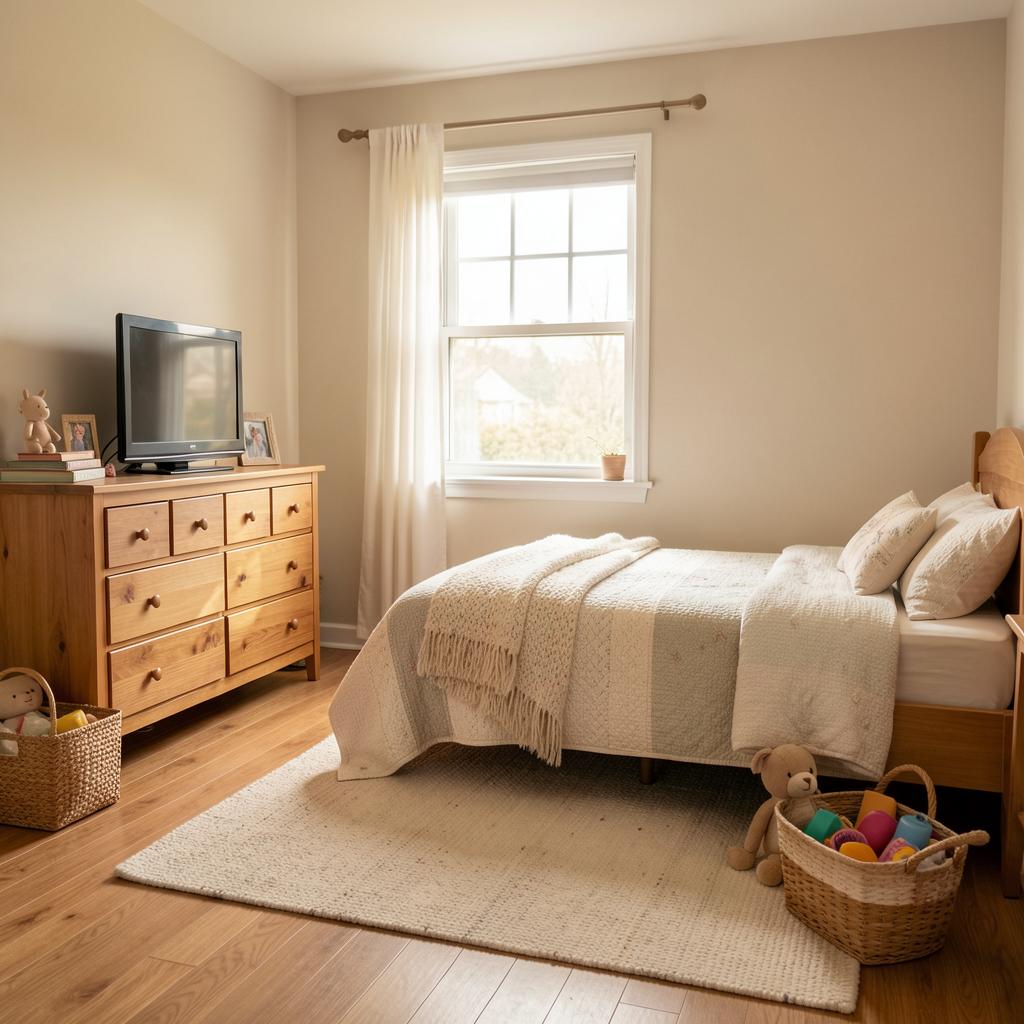
Children's Bedroom
Walk throughSafety matters most when your family is sleeping.
Protection Progress: 81%
4 of 5 recommended actions completed
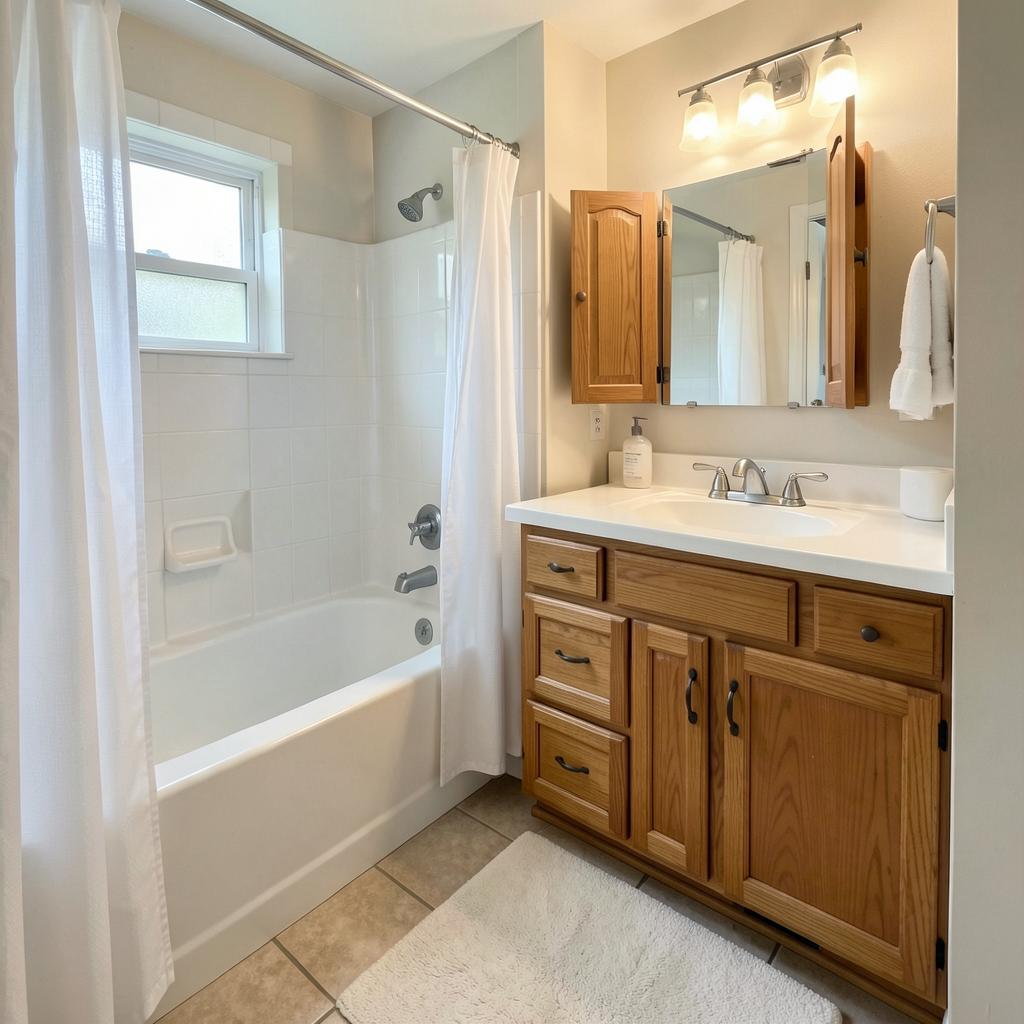
Bathroom
Walk throughWater, heat, medication and slippery surfaces converge here.
Protection Progress: 100%
3 of 3 recommended actions completed
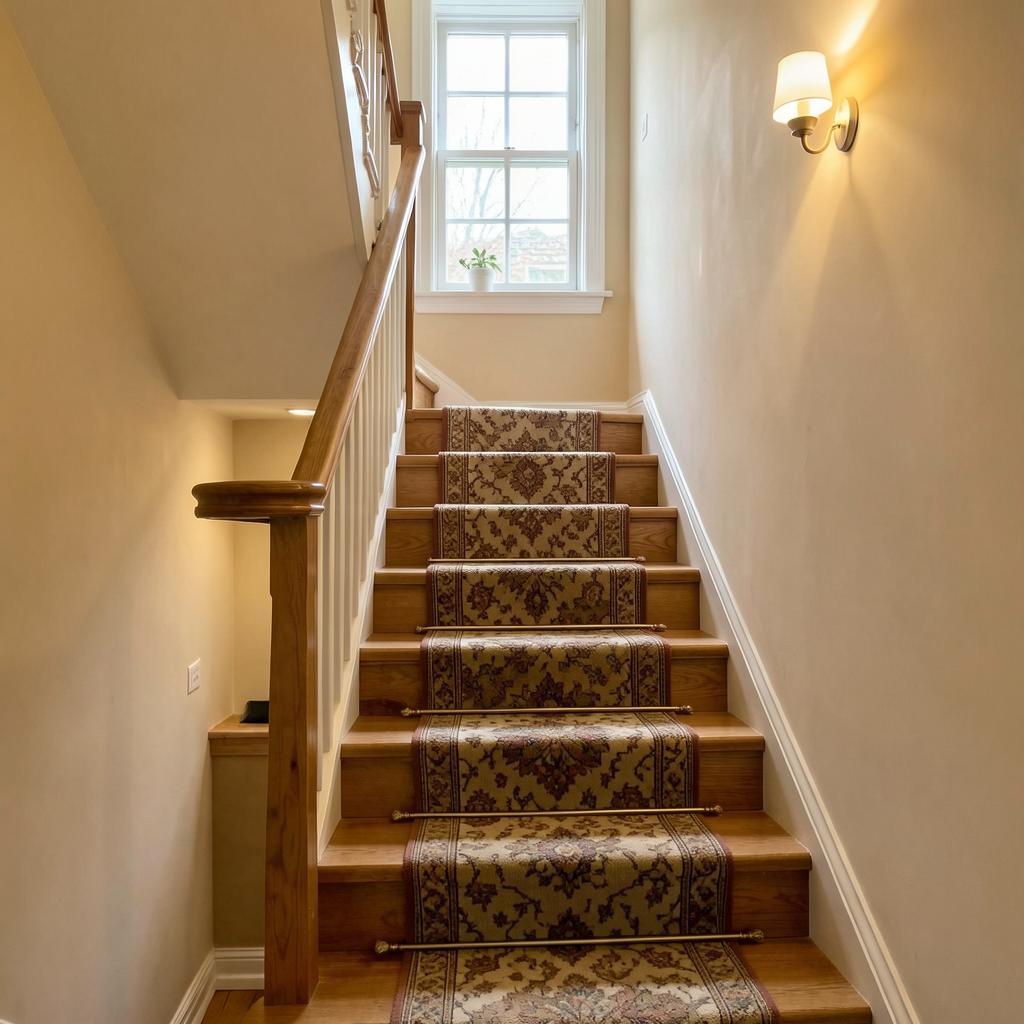
Stairs & Hallways
Walk throughThe path to safety must be safe itself.
Protection Progress: 63%
1 of 3 recommended actions completed
Room placeholder
Garage
SampleA safety barrier, not a pathway for hazards.
Protection Progress: 100%
2 of 2 recommended actions completed
Room placeholder
Exterior
SampleA safer home begins at the property line.
Protection Progress: 100%
2 of 2 recommended actions completed
Room placeholder
Water / Pool Areas
SampleLayers of protection — never a single safeguard.
Protection Progress: 50%
1 of 2 recommended actions completed
Room placeholder
Emergency Readiness
SamplePreparation begins before the emergency does.
Protection Progress: 83%
1 of 3 recommended actions completed
Guardian Nest Safety Journey™
Before · Progressing · Protected
Walk the Miller family’s sample rooms end to end — open a room, see the original condition, choose an improvement, watch the progress move, and see the finished state. Household safety changes over time, so no room is ever marked “final.”
Tap a numbered indicator on the photo
Each number marks a finding from the Miller family’s sample assessment — see the priority, the risk, and why it matters.
Your photos, your say — privacy built in
Explicit consent before any photo is processed
Approve individual photos — and exclude any room
Remove photos and delete generated previews anytime
Review every stored image — clearly labeled Original, AI Preview, or Completed
Faces, documents, house numbers & screens automatically masked on upload
Interior photos are never used publicly for marketing without separate written permission
Need help understanding a recommended action?
Guardian Nest SafetyView™ provides conceptual visualizations to help families understand and compare proposed safety improvements. Virtual previews do not establish structural suitability, exact dimensions, product compatibility, code compliance, installation requirements or guaranteed injury prevention. Final product selection and installation requirements must be appropriately verified before installation.
Acceptance of this agreement is required before the workspace is used — shown here as the designed gate that opens with the portal.
Home Progress View
SampleRooms are ordered by attention need, not alphabetically — the priorities you can act on today rise to the top.
Primary Bedroom
Kitchen
Living Areas
Exterior
Bathrooms
Children's Bedroom
Emergency Readiness
Stairs & Hallways
Garage
Milestones
Tasteful acknowledgements of completed plan work — sophisticated and warm, never gamey.
- All Currently Identified Critical Priorities Addressed
- Fire & CO Readiness Completed
- Kitchen Protection Completed
- Child Safety Essentials Completed
- Emergency Plan Completed
What If My Family Changes?
Coming soonWhen it’s ready, What If? will consider a new household situation and suggest the extra things worth a closer look. Designed now, logic coming with the portal.
How progress is calculated
Every recommendation in your Family Protection Plan™ carries a priority weight the Guardian Nest team can adjust: Critical 10, High 6, Moderate 3, and Advisory 1.
Your Family Protection Progress™ = completed weighted points ÷ total weighted points × 100.
Only recommendations with a status of Completed or Verified count toward the completed number. Identified, Reviewed, Previewed, Selected, Purchased, and Installation Scheduled never move it — so exploring options in Progressing never looks like progress you haven’t actually made.
Progress is a record of completed plan steps — never a claim that a home is “safe” or that injury has been “reduced by a percentage.” It is a guide for your family, not a verdict.
Guardian Nest SafetyView™
See it before you install it.
See recommended safety improvements in your actual home before deciding what works best for your family. Each finding opens a SafetyView — your approved photo beside a reviewed, measured preview of the improvement.
Anchor the tall furniture in the family room
Tall dressers, bookshelves, and televisions can tip if a child climbs. Most anchoring kits cost less than a round of groceries and take one afternoon to install.
See the safer version of your home — before you decide.
Install stair gates at both ends
A newly mobile child and an open staircase meet much faster than any adult reaction.
See the safer version of your home — before you decide.
Move medications out of reach and locked
Medications are among the most common pediatric poisoning sources — and kitchen counters and counter-height drawers are exactly where little hands can reach.
See the safer version of your home — before you decide.
Add a fire extinguisher near the stove
Most home fires start in the kitchen, where the first three minutes decide everything.
See the safer version of your home — before you decide.
One connected progress
Assessment → Finding → Recommendation → SafetyView Preview → Your Choice → Product or Installation → Marked Complete. Every improvement shows in Your Home Protection Progress — the original assessment photo beside the finished result, so your family can see how far your Nest has come.
Your photos, your say. You choose which photos may be used, you can exclude any room, and you can remove a photo or delete a preview anytime. On upload, faces, family photographs, documents, house numbers, and security details are automatically blurred where they appear — before anything is stored — and only a Guardian Nest professional ever sees what you approve. See the full privacy controls.
Emergency contacts
Family, caregivers, neighbors, pediatrician, poison control.
Filled in once you’re signed in — private to your family.
Meeting locations
The spot at the end of the block, plus a backup outside the neighborhood.
Filled in once you’re signed in — private to your family.
Important family instructions
Allergies, medications, routines a caregiver must know.
Filled in once you’re signed in — private to your family.
Preparedness checklist
Kit, go-bag, vehicle kit, important documents.
Filled in once you’re signed in — private to your family.
Home-safety tasks
The action list from your assessment, tracked to completion.
Filled in once you’re signed in — private to your family.
Scheduled reassessments
Seasonal reviews and re-checks as your family grows.
Filled in once you’re signed in — private to your family.
Your Guardian Nest Professional
Meet the person who walks your home.
Before an appointment, you’ll receive this card — so you know exactly who is coming into your home, why they’re qualified, and how to verify they’re the person we sent.
Professional photo
Name
Appears here before your appointment
Professional background
Appears here before your appointment
Relevant credentials
Appears here before your appointment
Appointment time
Appears here before your appointment
Unique verification code
Appears here before your appointment
You can confirm it with Guardian Nest by phone — so you always know the person at your door is exactly who we sent.
Template shown for illustration — your professional’s card appears here once your appointment is scheduled. Every Guardian Nest professional will be identity verified, background screened, trained in the Guardian Nest assessment methodology, covered by required insurance, subject to quality review, and rated by families after appointments.
Questions about a recommendation?
Ask Guardian Nest — a real person reads it, and it goes straight to the team that knows your plan.
Print or download your plan
The complete Guardian Nest Family Protection Plan™, formatted for the fridge and the wall — available once your plan is saved.